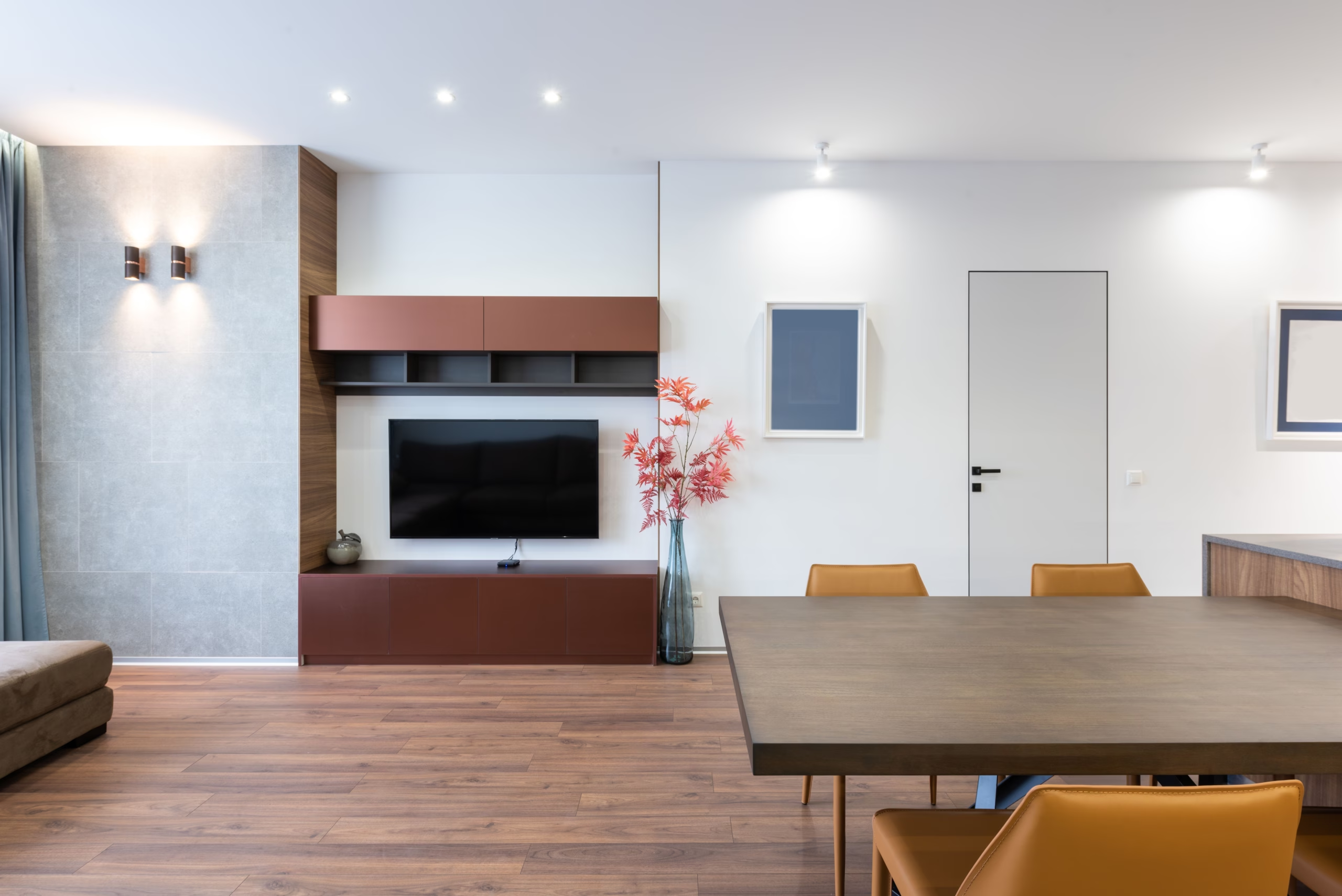
Preparing your property for a 3D scan is slightly different from preparing it for conventional photography.
A photographer normally captures a carefully selected collection of angles. A Matterport camera rotates through 360 degrees, creating a complete and immersive view of each space. This means there is nowhere behind the camera to temporarily hide clutter, equipment or personal belongings.
Preparing every area in advance helps the scanning appointment run smoothly and ensures your finished 3D virtual tour presents your guesthouse or venue at its very best.
The simplest approach is to prepare the property exactly as you would when welcoming your guests.
Every room should look clean, neat, tidy and inviting. Matterport captures detailed imagery throughout the property, so creased bedding, fingerprints, loose cables and misplaced objects may all be visible within the finished virtual tour.
Once scanning begins, items should not be moved between rooms or repositioned. Changes made during the scan can create inconsistencies in the finished 3D model, so everything should be in its final position before your scanning technician starts.
Aim to have every room looking as lovely as it would during a normal guest arrival. If an area is ready to be photographed, it will usually be ready to be scanned.
You may also wish to stage selected spaces with a few carefully chosen finishing touches. Fresh flowers, neatly arranged cushions, dressed dining tables and thoughtfully positioned accessories can make the property feel warmer and more welcoming.
The existing photography on your website can provide a useful reference. Where possible, present each room in the same style so your photographs, 3D virtual tour and wider marketing remain visually consistent.
Avoid over-staging the property. A few well-chosen details will normally look more natural and sophisticated than filling every available surface.
If wedding barns, function rooms or ceremony spaces are being included, consider dressing them as they would appear during a wedding or special occasion.
Tables, chairs, flowers, tableware and decorative details can help prospective couples understand the atmosphere of the venue and visualise how the space could look for their own celebration.
If fully dressing the room is not practical, arrange the furniture neatly and add enough carefully selected details to demonstrate its purpose. The room should look intentionally presented rather than empty, unfinished or between events.
Remember that the 3D virtual tour will preserve the presentation you choose on the day. Every room should therefore be arranged exactly as you would like prospective guests and couples to experience it online.
Bedrooms should feel fresh, comfortable and ready for arrival.
Bathrooms should be completely clean, dry and free from personal or cleaning products.
Keep kitchen surfaces clear and present dining spaces as though guests are about to use them.
Communal spaces should feel comfortable, welcoming and easy to navigate.
Good lighting can make a significant difference to the appearance and atmosphere of the finished tour.
Before the appointment, check every ceiling light, wall light, bedside lamp, cooker-hood light and decorative light. Replace any failed bulbs and, where possible, make sure bulbs within the same room have a consistent colour and brightness.
Clean the windows and open curtains fully to maximise natural light. Blinds should be set to the same height or angle throughout each room.
Your scanning technician will normally want the property’s lights switched on, so make sure everything has been checked before arrival.
If your appointment also includes drone photography or video, the outside of the property deserves the same attention as the interior.
Entrances, gardens, courtyards, terraces and venue surroundings should be presented exactly as you would like potential guests to see them.
Before filming:
The drone will capture a much wider view than standard ground-level photography, so check the complete site rather than only the areas immediately outside the main entrance.
The camera captures everything within its line of sight. Guests, staff and pets must therefore remain outside each area while it is being scanned.
Your technician will normally work through the property systematically and advise where everyone should wait. Depending on the property, this might mean moving to an unscanned floor, waiting in a closed room or temporarily stepping outside.
Where possible:
Before your scanning technician arrives, confirm that:
Your technician will always do what they reasonably can to help the appointment run smoothly. However, extensive cleaning, moving furniture or dressing rooms is not normally included within a scanning appointment.
The property should therefore be completely ready before the scheduled arrival time. Delays may reduce the amount of the property that can be captured, while significant changes after scanning may require an additional visit.
Preparing everything in advance is the simplest way to avoid delays and achieve the strongest possible result.
A well-prepared property creates a more polished and persuasive virtual experience.
By presenting each space exactly as you would for arriving guests, prospective visitors can explore your property online with confidence and see it at its very best.
If you are unsure about how to prepare a particular room, wedding space or outdoor area, contact Apollo3D before your appointment. Our team will be happy to advise you.